You are getting traffic. People are landing on your site. Some are even clicking around. Yet enquiries feel flat. You’re probably asking: Why isn’t my website generating more enquiries?
In most cases, the issue is not volume. It is a blockage. The problem usually sits in one of three areas: user intent, trust elements, or friction points. When these are misaligned, your conversion rate stalls and the enquiry journey breaks down.
Let’s diagnose what is really happening.
Why your website is not generating more enquiries (the usual culprits)
When someone types how to get more enquiries from your website into Google, they usually expect a traffic solution. More ads. More SEO. More posts.
Often, that is not the lever.
Here are the usual culprits behind flat performance and low conversion rates:
Intent mismatch
Your content does not align with user intent. Visitors expect one thing. Your page delivers something else. The message feels vague, generic, or too broad.
Weak above-the-fold messaging
Your value proposition is unclear. Within five seconds, visitors should know who you help, what you do, and why you are credible. If they have to scroll to figure that out, you lose them.
Trust gaps
There are not enough trust elements on the page. Limited social proof. No testimonials. No case studies. No visible credentials or results.
Friction points in the enquiry journey
Long forms. Confusing navigation clarity. Slow speed and performance. Poor mobile usability. All of these create form abandonment.
No structured follow-up
You are not tracking calls properly with call tracking. You do not use live chat. You do not have a clear lead qualification system.
The result is predictable. Visitors hesitate. They leave. Your conversion rate stays flat.
The good news is that you can diagnose most of this in under an hour.
How to get more enquiries from your website. The 5-step diagnosis
Block out 45 to 60 minutes. Open your homepage, your top service page, one case study, your pricing page if you have one, and your contact page.
You are going to assess five areas: intent match, trust, friction, proof, and follow-up.
Intent match, trust, friction, proof, follow-up
1. Intent match
Ask this question: What does the visitor expect when they land here?
If you run Google Ads for “commercial fit-out contractor London”, your service page should speak directly to commercial clients, not general construction.
Look at your above-the-fold messaging. Does it:
- Clearly state who you help?
- Explain the specific problem you solve?
- Show a strong value proposition?
- Reflect the keywords that drove the click?
If not, rewrite the opening section.
Writer prompt:
- “We help [specific audience] achieve [specific outcome] without [common frustration].”
- “If you are looking for [specific service], here is exactly how we approach it.”
For more guidance on landing page structure, review this practical framework on building a high-performing landing page.
2. Trust
Scroll your service page. Count your trust elements.
Do you have:
- Named testimonials with full details?
- Clear case studies with results?
- Logos of recognised clients?
- Professional accreditations?
- Team bios with real faces?
If social proof is buried at the bottom, move it up. Add testimonials closer to key calls to action. Insert short proof statements throughout the page.
Strong case studies convert because they reduce uncertainty. They show process, results, and credibility.
3. Friction
Now test your own enquiry journey.
On mobile.
Can you:
- Navigate easily?
- Find your core services in two clicks?
- Read text without zooming?
- Load pages in under three seconds?
Speed and performance directly affect conversion rate. So does mobile usability.
Then fill in your own form.
- How many fields are there?
- Do you really need them?
- Does it feel heavy?
- Does it ask for too much before the value is proven?
Every unnecessary field increases form abandonment.
4. Proof
Proof is different from trust. Trust is credibility. Proof is evidence of an outcome.
Look at your case studies. Are they stories or are they specific?
A strong case study includes:
- The client’s starting problem
- Your approach
- Measurable results
- Timeframes
- Quotes
Weak proof says, “We helped them grow.”
Strong proof says “We increased enquiries by 63% in three months through targeted UX and copy changes.”
If your proof is vague, rewrite it.
Writer prompt:
- “Before working with us, [client] struggled with…”
- “Within [timeframe], we achieved…”
- “This translated into…”
You can also review these quick tips to improve website conversions for additional practical tweaks.
5. Follow-up
What happens after someone enquires?
Do you:
- Send an immediate confirmation?
- Set expectations on response time?
- Use call tracking to attribute phone leads?
- Offer live chat for high-intent visitors?
Lead qualification matters too. Not every lead is equal. Your form should gather enough information to qualify without overwhelming.
If your process is unclear, visitors hesitate.
The enquiry blockers on high-value pages
Now focus on the four pages that usually drive most leads.
Services, pricing, case studies, contact
Services pages
These often describe features rather than outcomes.
Check:
- Is the value proposition clear?
- Is user intent reflected in subheadings?
- Are there testimonials directly related to that service?
- Is there a strong call to action after each key section?
If your services page feels like a brochure, it needs restructuring.
Pricing pages
If you hide pricing entirely, some visitors assume you are expensive.
If you show pricing without context, others feel confused.
You do not need to publish exact fees. But you can:
- Provide ranges
- Explain what affects cost
- Clarify what is included
- Address common objections
Transparency reduces friction.
Case studies
If case studies are buried in your navigation, bring them to the surface. Add contextual links from service pages to relevant case studies.
Make results scannable. Use numbers. Use quotes. Use images.
Contact page
Many contact pages are afterthoughts, but a great contact page is non-negotiable.
Your contact page should:
- Reassure visitors
- Clarify what happens next
- Include testimonials
- Offer alternative methods such as phone, live chat, or booking links
Ensure you follow these best practices for lead-capture pages.
Forms that convert. What to change first
Your form is the final gate in the enquiry journey. Small changes here can produce significant lifts.
Field count, microcopy, validation, fallbacks
Field count
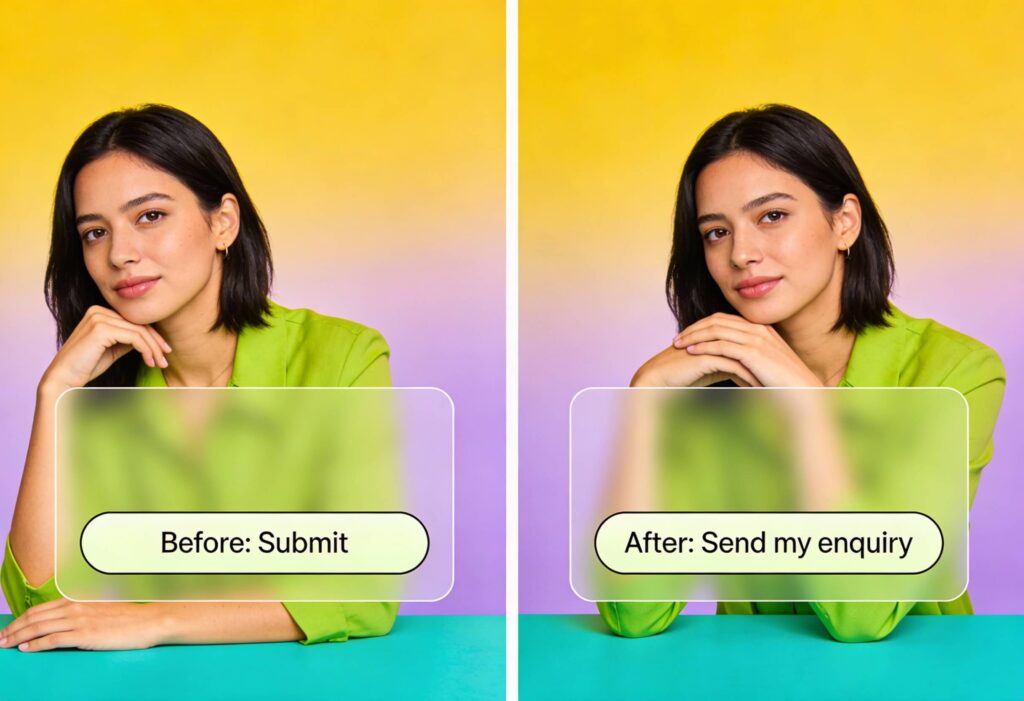
Reduce to essentials. Name. Email. Phone. Core need. That is often enough for initial lead qualification.
Microcopy
Add small reassurance statements under fields. For example:
- “We will never share your details.”
- “We respond within one working day.”
Microcopy lowers anxiety.
Validation
Make errors clear and friendly. If someone mistypes a number, tell them how to fix it.
Fallbacks
If the form fails, is there a phone number clearly visible? Is live chat available? Is there a calendar booking option?
Forms fail more often than you think. If there is no fallback, you lose the lead.
Copy that creates action without sounding salesy
Pushy copy increases friction. Weak copy reduces clarity. The balance is precision.
Clarity, specificity, and objection handling
Clarity
Avoid vague claims. Replace “industry-leading solutions” with specifics.
Writer prompt:
- “Our typical clients are…”
- “You should contact us if…”
- “This is not right for you if…”
Clear positioning increases conversion rate because it aligns with user intent.
Specificity
Quantify where possible. Mention timelines. Processes. Results.
Objection handling
Address fears directly:
- “Worried about cost?”
- “Concerned about disruption?”
- “Unsure if this fits your business size?”
Answer those questions before they are asked.
Quick wins vs structural fixes. What to prioritise this quarter
Not all fixes are equal.
Quick wins you can implement this month:
- Rewrite above-the-fold messaging
- Move testimonials higher
- Reduce form fields
- Add microcopy
- Improve CTA clarity
- Add call tracking
Structural fixes that may take longer:
- Rebuild key service pages around user intent
- Redesign navigation clarity
- Improve speed and performance
- Overhaul mobile usability
- Develop robust case studies
- Implement live chat with clear lead qualification flows
If you want more website enquiries, start with the pages that already get traffic. Improve intent match. Strengthen trust elements. Remove friction points.
Then measure.
Watch your conversion rate weekly. Track form abandonment. Analyse drop-off points in the enquiry journey. Optimise continuously.
Ready for More Website Enquiries? Let’s Fix What Is Blocking Them
If you have worked through this diagnosis and still feel stuck, you probably do not need more guesswork. You need a clear, experienced outside view.
At Yellowball, our SEO audit services and UX teams review your enquiry journey with fresh eyes. We look at user intent, trust elements, friction points, copy, forms, speed and performance, and mobile usability. We identify what is genuinely holding back your conversion rate and prioritise the changes that will move the needle fastest.
More traffic is rarely the first fix. Sharper messaging, stronger social proof, cleaner forms, and better structure usually unlock more website enquiries from the traffic you already have. That’s how we got a banking integration app a 157% increase in clicks in just the first three months, and a 63% increase in conversion rate for a function venue.
If you want practical, high-impact changes rather than generic advice, it’s time to talk to us and get the ball rolling!