Redesigning a website should feel like progress. New visuals. Better journeys. Stronger positioning. Yet for many marketing managers, a redesign comes with quiet anxiety. Traffic dips. Rankings wobble. Leads slow down. And suddenly the conversation shifts from growth to damage control.
Most ranking drops after a redesign are preventable. They happen because URLs change without a proper redirect plan. Templates strip out key content. Internal links break. Or search engines struggle to render the new site correctly.
This guide walks you through SEO migration during a website redesign. It is built as a practical, phase-based checklist you can use to manage suppliers, challenge assumptions, and protect organic performance. If you are wondering how to maintain SEO during a website redesign, this is your operational playbook.
The redesign traps that quietly kill SEO
Redesign risk rarely happens from a single catastrophic mistake. It builds through small, overlooked changes:
- Page URLs change without proper 301 redirects
- Navigation structures shift and orphan high-value pages
- Template changes remove optimised headings and body copy
- Internal link updates are incomplete
- Canonical tags are misconfigured
- Robots.txt blocks important sections
- The XML sitemap is outdated
- Performance drops and Core Web Vitals slip
Search engines index URLs, not designs. When you change structure, layout, or technology, you alter how search engines crawl, understand, and rank your content.
If you are planning a redesign, start with the right way with this guide on website redesign. Planning outlines the early steps that reduce risk before design even begins.
You cannot bolt SEO on at the end. You need the best SEO practices embedded from day one when redesigning your website.
SEO migration when redesigning a website. The phases that matter
Think in phases. Each stage carries specific SEO responsibilities. Miss one, and problems compound later.
Discovery
This phase protects what already works.
Non-negotiables in discovery:
- Export all current URLs
- Pull keyword rankings and organic landing page data
- Benchmark traffic, conversions, and top linking pages
- Crawl the existing site
- Document current metadata, canonical tags, and internal links
This is your baseline. Without it, you cannot measure impact.
Map high-value pages. Identify content that drives traffic and revenue. Protect it. Many ranking drops occur because decision-makers underestimate which pages matter.
Review your current website structure and hierarchy before proposing changes.
Structure changes can improve performance. They can also dismantle it.
Build
During design and development, SEO must sit alongside UX and brand.
Common pitfalls in build:
- Developers are testing with noindex tags and forgetting to remove them
- Templates lacking H1 fields
- Navigation is designed for aesthetics rather than crawl depth
- JavaScript-heavy rendering without SEO review
A staging environment is essential. It allows crawl testing before launch. Ensure the staging environment is blocked from indexation but fully accessible for technical review.
Before the build is signed off:
- Confirm metadata fields exist for all templates
- Ensure schema markup can be implemented
- Review internal linking modules
- Check that canonical tags are dynamic and correct
- Validate robots.txt logic
Our guide on seo friendly web design explores how layout decisions affect search performance, showing how design choices influence crawl paths, page weight, and user signals.
Staging
Staging is your rehearsal. Treat it like a pre-flight check.
Run crawl testing on staging. Compare results to your original crawl.
Check:
- Broken links
- Missing title tags
- Missing H1s
- Incorrect canonical tags
- Indexable parameter URLs
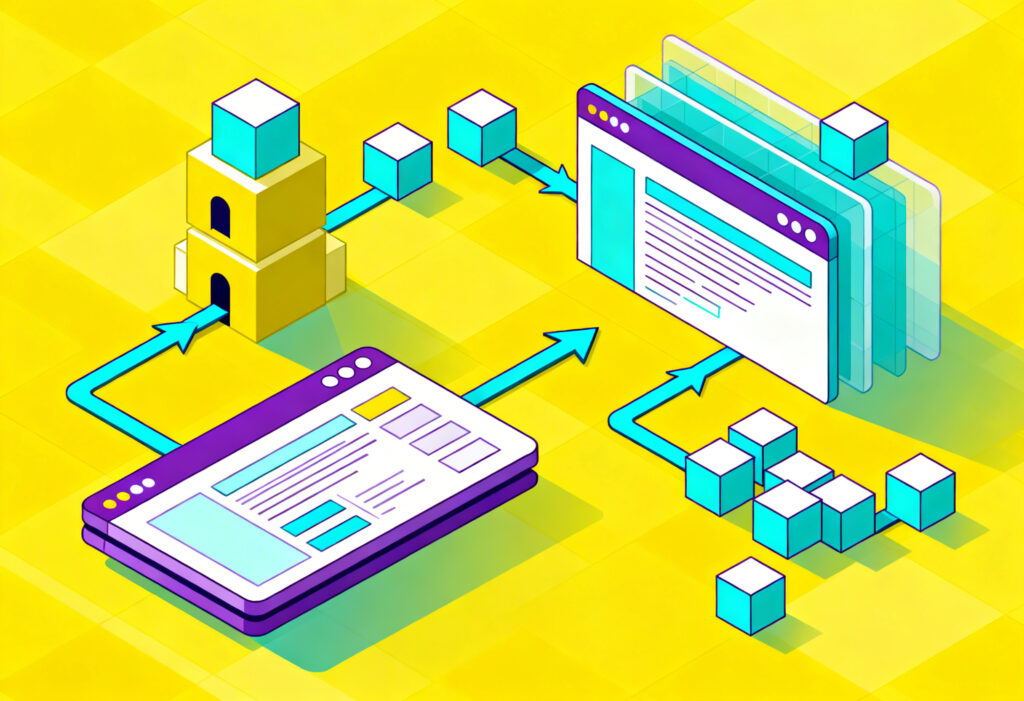
Prepare your URL mapping document. This maps every old URL to its new equivalent. It forms the backbone of your redirect plan.
Every removed or changed page must have a decision:
- Equivalent page with 301 redirects
- Consolidation into a relevant category
- Intentional removal with clear reasoning
Avoid 302 redirects for permanent changes. They signal temporary moves and may not transfer ranking signals fully. Use 301 redirects for structural changes.
Your redirect plan should be signed off before launch. No assumptions.
Launch
Launch day is execution, not experimentation.
Deploy:
- Final robots.txt
- Updated XML sitemap
- Redirect rules
- Correct canonical tags
Immediately submit the new XML sitemap in Search Console.
Run a live crawl within hours. Check for:
- Redirect loops
- 404 errors
- Incorrect canonical pointing
- Pages accidentally blocked
Indexation checks should begin immediately. Are important pages indexed? Are the removed URLs dropping out?
Post launch
The first month determines whether small issues become long-term losses.
Monitor:
- Rankings for priority keywords
- Organic traffic by landing page
- Crawl errors
- Server logs through log file analysis
How to keep SEO when redesigning your website. The non-negotiables
There are five elements you must get right.
URL mapping
Build a complete URL mapping spreadsheet.
Columns should include:
- Old URL
- New URL
- Redirect type
- Notes
- Status
Do not rely on wildcard redirects. They create relevance gaps and ranking volatility.
Redirects
Your redirect plan should be reviewed line by line.
Best practice:
- Use 301 redirects for permanent changes
- Avoid redirect chains
- Avoid redirecting everything to the homepage
- Test redirects pre- and post-launch
Redirect chains dilute signals and slow crawling.
Internal links
Internal link updates are often overlooked.
When templates change, internal links embedded in navigation, footers, and body content must reflect new URLs. Broken or outdated links weaken crawl signals.
Re-crawl the site post-launch and check internal link distribution. High-value pages should retain strong internal linking.
Metadata
Template changes often reset metadata.
Before launch, confirm:
- Titles migrate correctly
- Meta descriptions are preserved or improved
- H1 headings remain aligned to intent
UX decisions do have a huge influence on SEO performance. Navigation clarity and content hierarchy influence engagement signals.
Canonicals
Canonical tags prevent duplicate content and signal the preferred URL.
Check:
- Self referencing canonicals on key pages
- No cross domain errors
- No canonical pointing to old URLs
Incorrect canonical tags can quietly de-index important pages.
Content and template changes. How to avoid accidental de-optimisation
Redesigns often reduce content density. Designers aim for clean layouts. Copy shrinks. Keyword signals disappear.
Protect performance by auditing SEO content before editing.
Headings
Ensure:
- One clear H1 per page
- Logical H2 and H3 structure
- Keyword alignment without repetition
Removing heading structure weakens topical clarity.
Copy
Content updates should improve clarity without stripping depth.
Check:
- Are high-ranking pages losing supporting paragraphs
- Are internal links removed
- Are conversion-focused sections replacing informational content
When in doubt, compare pre- and post-word count and keyword distribution.
If the layout is changing significantly, it’s a good idea to explore structured layout options.
Layout decisions affect both readability and crawl hierarchy.
Schema
Schema markup is often lost during template rebuilds.
Confirm:
- Organisation schema remains
- Product or service schema is preserved
- Breadcrumb schema reflects updated structure
Structured data supports visibility in search features.
Navigation
Navigation redesign can flatten or deepen the site hierarchy.
Keep:
- Logical category grouping
- Clear breadcrumb trails
- Reasonable click depth
Pages buried too deep lose crawl priority.
If you need help documenting expectations upfront, use a clear website brief template.
Clarity reduces ambiguity in the build.
Technical QA for launch day
Launch day requires a structured technical SEO checklist.
Indexation
- Remove noindex tags
- Verify robots.txt allows key sections
- Submit XML sitemap
- Perform indexation checks in Search Console
Rendering
Check how search engines render pages.
Use inspection tools to verify:
- JavaScript content loads correctly
- Lazy loading does not hide essential content
- Important links are crawlable
Crawl
Run a full crawl immediately.
Identify:
- 404 errors
- Redirect loops
- Incorrect status codes
- Canonical inconsistencies
Compare crawl volume to your staging results.
Performance
Core Web Vitals matter. Template changes can increase JavaScript weight and slow load times.
Measure:
- Largest Contentful Paint
- Cumulative Layout Shift
- Interaction to Next Paint
Performance issues affect both ranking and conversion.
Post-launch monitoring. What to watch in weeks 1, 2, and 4
Migration success depends on disciplined monitoring.
Week 1
Focus on technical stability.
- Check crawl errors daily
- Confirm redirects work
- Review indexation of priority pages
- Monitor server logs
Small redirect gaps can be fixed quickly at this stage.
Week 2
Assess ranking and traffic patterns.
- Compare keyword positions
- Review landing page traffic
- Watch for pages losing impressions
Some volatility is normal. Sharp drops need investigation.
Week 4
Evaluate trend direction.
- Are rankings stabilising
- Are new URLs replacing old ones in search
- Is the organic conversion rate holding
At this stage, refine internal linking and adjust content if needed.
Planning a redesign? Let’s protect what you’ve built and grow from there.
A redesign should strengthen your search performance, not put it at risk. At Yellowball, we manage SEO migrations with precision, protecting your rankings, authority, and hard-earned traffic while building a faster, smarter site for the future.
We are trusted by ambitious brands in the UK and internationally to lead across Google and AI search results, driving high-intent traffic and measurable growth. From URL mapping and 301 redirects to technical SEO, content optimisation, SEO audits, and post-launch monitoring, we handle the details that prevent ranking drops.
The result? Preserved authority, stable or increased organic traffic, seamless user experience, and a website built for long-term performance.
If you are ready to redesign with confidence, contact Yellowball and let’s get the ball rolling.